Tracks
Tracks is the main working screen in The Library. It combines the track-group grid, search, saved views, project rail, and bulk actions. Select a row to inspect the same track group in the Activity Panel.
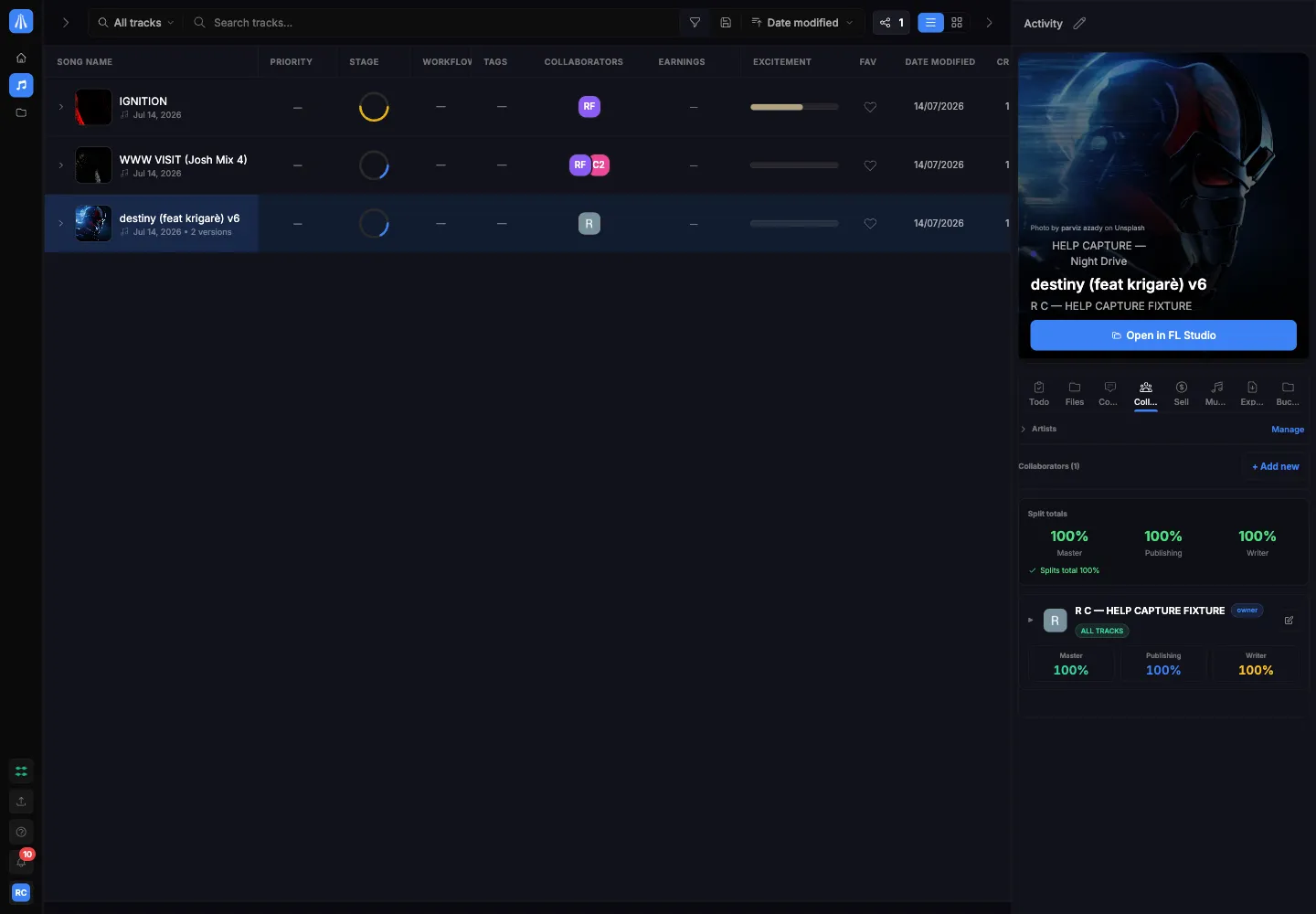
On this screen
Section titled “On this screen”- Find and filter track groups in the grid.
- Organise tracks into projects or buckets.
- Save a useful filtered view.
- Select one or more track groups for a supported bulk action.
Guides on Tracks
Section titled “Guides on Tracks”Dialogs & Sheets
Section titled “Dialogs & Sheets”- Create new bucket
- Filter tracks
- Save new view
- Update view
- Edit tags
- Change stage
- Manage workflow
- Bucket settings
- Choose bucket colour
- Choose bucket category
- Edit bucket tags
- Bucket artwork
- Assign tracks to bucket
- Bucket members
- Invite bucket member
- Export split sheet
- Delete bucket
- Leave bucket
- Set project due date
- Earnings
- Approval history
- Delete saved view
- Delete custom tag
- Delete selected tracks
- Analyze tracks